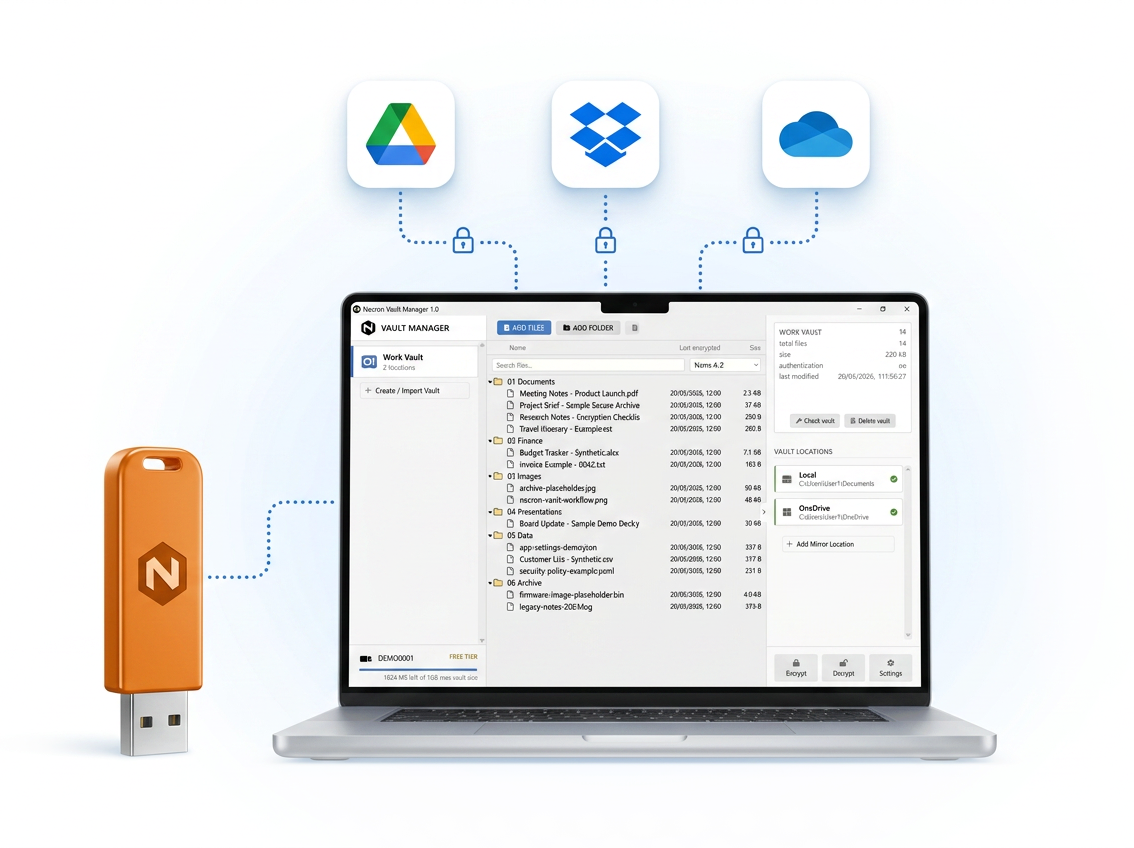
Necron encrypts your files on your computer before they reach Google Drive, Dropbox, OneDrive, or local storage. Your storage provider only sees locked, unreadable files.
The Problem

They may scan your data for marketing, support or legal requests. You trust them with your most important files.

If your account, computer, or password is compromised, ordinary cloud files may become exposed. Necron adds a separate encryption layer before files reach the cloud.

A single encrypted folder in one location is vulnerable to deletion, corruption, sync failure, or tampering. Necron syncs encrypted copies in multiple locations.
How Necron Works
Choose files or folders from your computer.
Readable files stay on your device. Necron creates an encrypted version for storage.
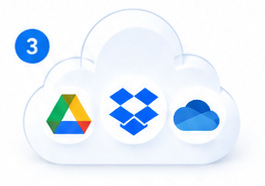
Save the encrypted vault locally, on an external drive, or in cloud folders such as Google Drive, Dropbox, or OneDrive.

Choose Your Plan
Best for trying Necron
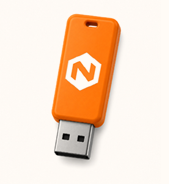
Maximum security with USB key
Why People Choose Necron

Files are encrypted on your computer before they reach the cloud.

Keep using Google Drive, Dropbox, OneDrive, local folders, or external drives.

Only you, or someone you give a key, can access your files.

Mirror encrypted data across multiple locations for better resilience.

Necron does not store and has no access to your data or key.

Encrypted files can only be opened with Necron and your key.
Create a free account, install Necron, and create your first private vault in minutes.
No credit card required. Upgrade to Pro when you want USB key-drive security.
FAQ
No. Necron does not replace Google Drive, Dropbox, OneDrive, or your local storage. Necron is a privacy layer that encrypts your files before they are stored. You keep using the storage locations you already have, but those locations only receive encrypted data.
No. Your files are encrypted on your own computer. Necron does not upload your readable files or store your encryption key. Without the correct key, the encrypted files cannot be opened or read.
If you lose every copy of your key, your encrypted files cannot be recovered. This is part of the security model: there is no hidden master key or backdoor. Pro users can make multiple backup keys so they do not lose access to their vault.
For the Free plan, no USB key drive is needed because your key is stored on your computer. For Pro, you need a USB key drive because the key is kept separately from your files and cloud storage. Any standard USB drive with min 1 GB can be used.
Yes. Necron is designed to work with storage you already use. You can store encrypted vault data locally, on an external drive, or in cloud sync folders. Your cloud provider only sees encrypted files, not your original documents, photos, filenames, or folder contents.